In an effort to keep our customers informed and to be as transparent as possible, we have put together this Geopointe Update History page, which contains a running history of updates applied to the Geopointe application beginning with the June 13, 2010 update.
1.4 (22-Aug-2010)
Major improvements made in this release. The full list is below, but see this blog post for some more details on major features.
Enhancements
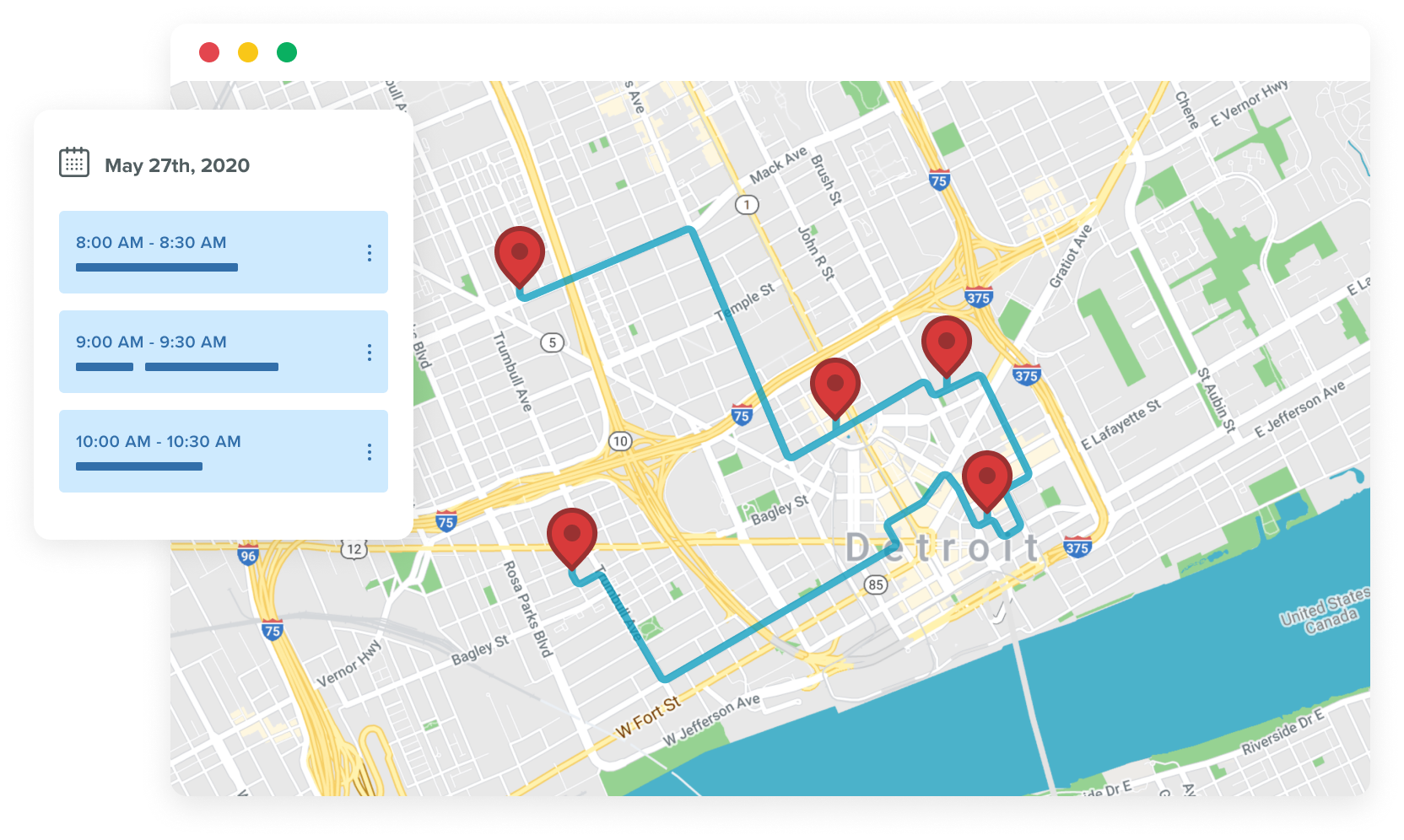
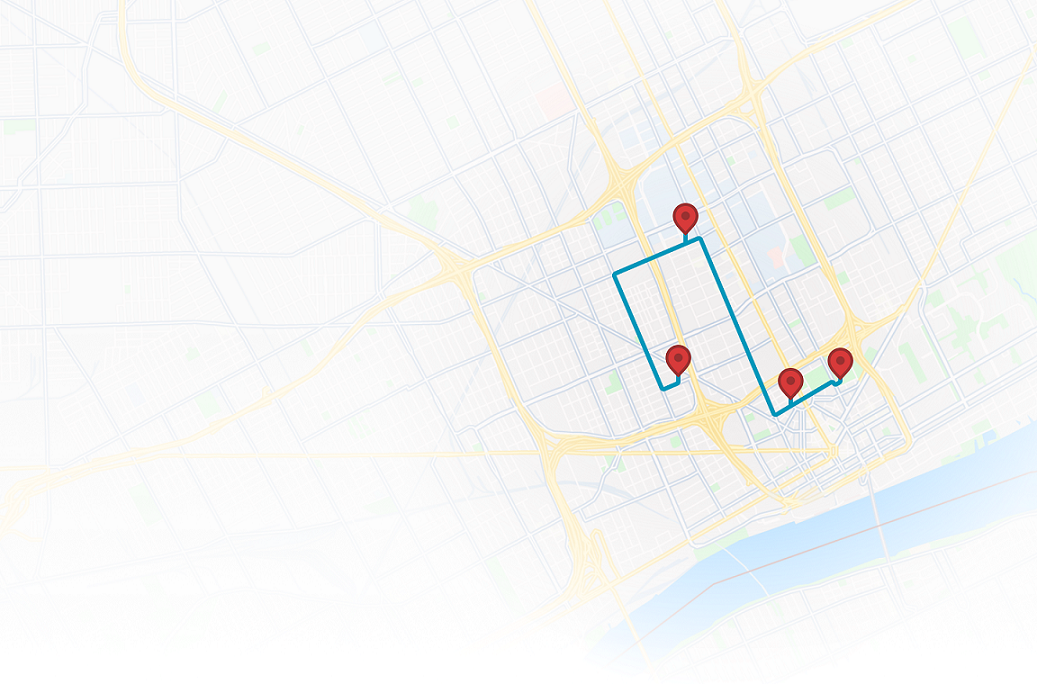
- Save Routes. We added the ability for you to manage saved routes. This means you can save a route for viewing later, edit it and overwrite it, delete it or run it.
- Share Routes. The URL in your browser when you run a Route is sharable. Pass it along to other Geopointe users to let them see it. Those users will not be able to change the route and overwrite it, so your setup is safe.
- Added route links to the mapping provider which allows users to add points in Geopointe and link out to MapQuest or Google’s site for further working with the route.
- Print Routes to PDF
- Display the Geocode quality on the Current Route list so a user can easily see the level of accuracy of the geocoded address. For example, whether they are being routed to a specific address vs. just the center of a city.
- Add To Campaign! When a user maps Leads or Contacts, the system senses whether they have the profile permissions to modify Campaign Members. If they do, an Add To Campaign button will appear at the top of the mapped data list. Clicking this button opens a new window allowing the user add/update those Leads/Contacts to a Campaign.
- The data table below the map is now sortable. Additionally, the sort is smart enough to know whether text or number content is included in that column and it sorts it accordingly.
- Added a filter field to the Map Object that allows an organization to set a filter for the object that is applied in all Data Searches and by the Geocoder. This will allow an organization to just map a portion of an object if needed.
- Added a My Settings tab to allow end users to easily find their My Settings page.
- Users now have the ability to set their default map for when they arrive to the Map tab. They set this on the My Settings tab.
- Added a user preference to allow for scroll wheel zooming. This can be turned on/off from the My Settings tab.
- Improvements were made to the Geocoders where it no longer truncates the street address field after line 1. This means that the cleansed address received back from MapQuest is a full cleanse of the street address.
- Upgraded to MapQuest’s production JavaScript API v6.0 and all connections made to the toolkit use HTTPS.
- All of the required Remote Sites are now included in the install so Admins no longer need to add those URLs manually.
- Added cleanup jobs that kick off periodically to rid the Temp__c and Route__c objects of unneeded data.
- Switching between tabs on the Map page is much faster
Bug Fixes
- Fixed a MapQuest issue where sign images were not displaying when connecting to MapQuest over HTTPS.
- Improvement made to the Geocoder where it was having troubles if only a UK postal code was being geocoded.
- Fixed an issue with the Geocode process where it failed if the address had a % symbol in it.
1.1.13 / 1.3.8 (29-Jul-2010)
Minor updates in anticipation of a major release.
- Geocode optimizations
- Drop-down list of Data Sets is more organized
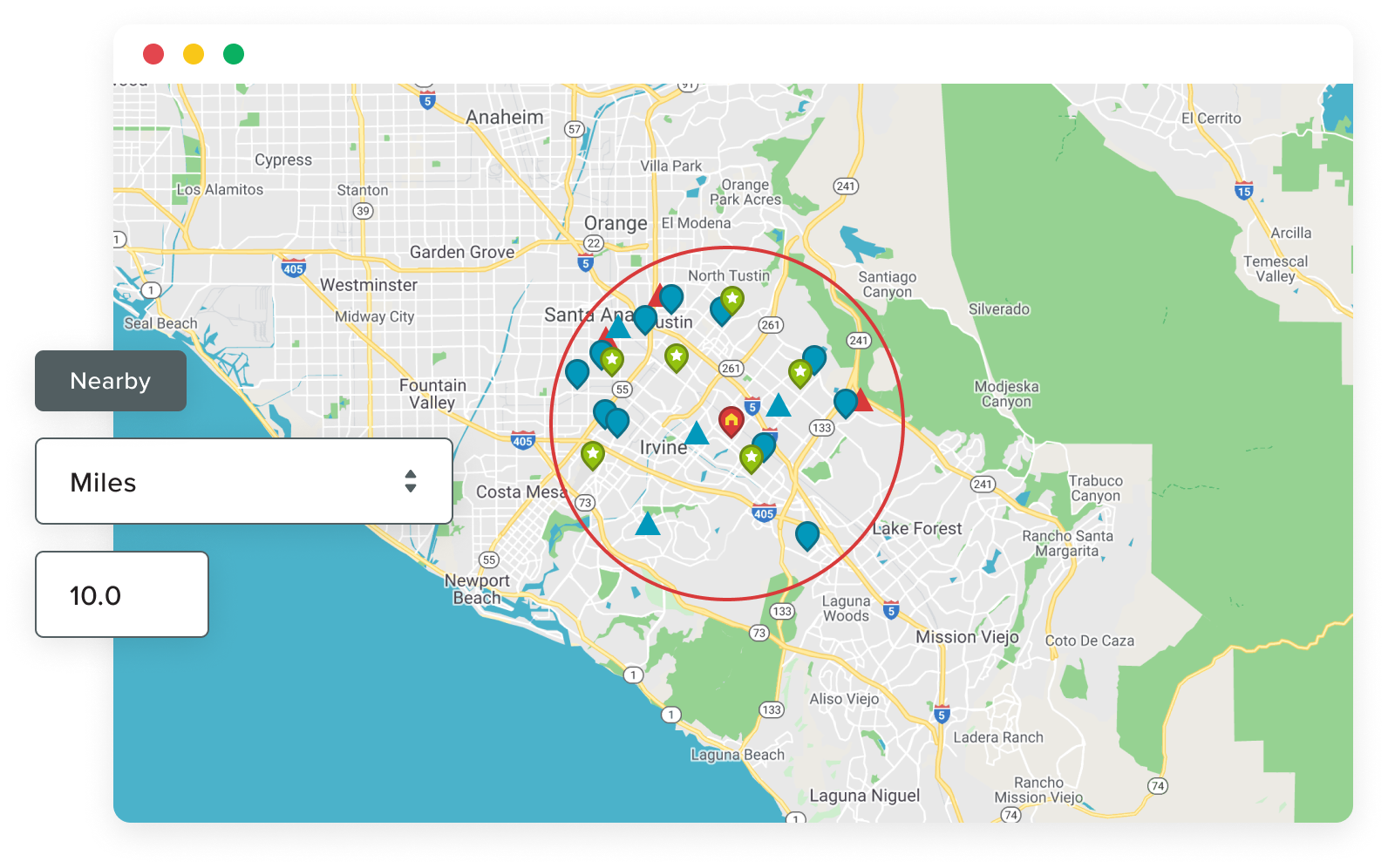
- Eliminated an “Invalid Argument” error people were receiving when they mapped records at the exact same location as the center of their map on a radial search.
- Issue with the Geocode reference field on Map Objects is fixed where it used to get confused if 2 fields had the same label. This was particularly affecting people using Person Accounts.
- Aligned code for filters and query optimization with an undocumented change made to Apex Describe methods regarding field types.
1.3.6 (28-Jul-2010)
This release is only going out to a few customers. Prior to this release, the Geocoder would only geocode (and thus clean) Line 1 of the street address. This was done at MapQuest’s request. This release aims to geocode the entire address so that we can get a complete cleansed address back and stored in Salesforce for you. It’s rolling out slowly to customers because we need to monitor the geocoder with MapQuest for accuracy and performance. Once this has been tested to our satisfaction, it will roll out to all customers.
1.1.11 / 1.3.5 (27-Jul-2010)
A maintenance release was put out to improve the Geocoder and allow Arrowpointe the ability to monitor the geocoding transaction volume and high-level results. This was done to help us better support our customers and also to allow us to work with MapQuest in troubleshooting issues.
1.1.9 / 1.3.1 (13-Jun-2010)
Both 1.1.9 and 1.3.1 contain the same code base.
Enhancements
- Only changes to a record’s address trigger it to be re-geocoded on the next schedule.
- The list of standard objects to choose when creating a Map Object has been limited to ones that could potentially be used in mapping.
- The experience of using the “Go Here” button on the Manual Entry tab of the map is consistent in all usage scenarios.
- Lowered the default geocode batch size to 50, from 100, to alleviate heap space issues experienced by a customer.
Bug Fixes
- If you open the map in an un-maximized window, the map will auto-adjust to full width after you maximize that window.
- The geocoder had trouble when a record had a country name > 40 characters
- An exported KML file showed Visualforce markup in the data portions of the XML that started with the Summer 10 release of Salesforce.
- Some systems had issues communicating with the Arrowpointe org for support purposes.
- The Visualizer was providing fields from related objects as options for summarizing and then erroring when those fields were selected. The system was updated to only show the fields that Salesforce’s aggregate queries will support.
- Manually adding a point to a route was not always working if a user had previously run a radial search.
- Summarizing a calculated field in the Visualizer caused a Salesforce Internal Error. The system was updated to only show the fields that Salesforce’s aggregate queries will support.
- Filtering on several text or picklist values (an “OR” statement) were not filtering on any items after the first one.