Change History
Below is a summary of the changes that went into each version of Arrowpointe Maps.
Version 1.2 (08-Jul-2008)
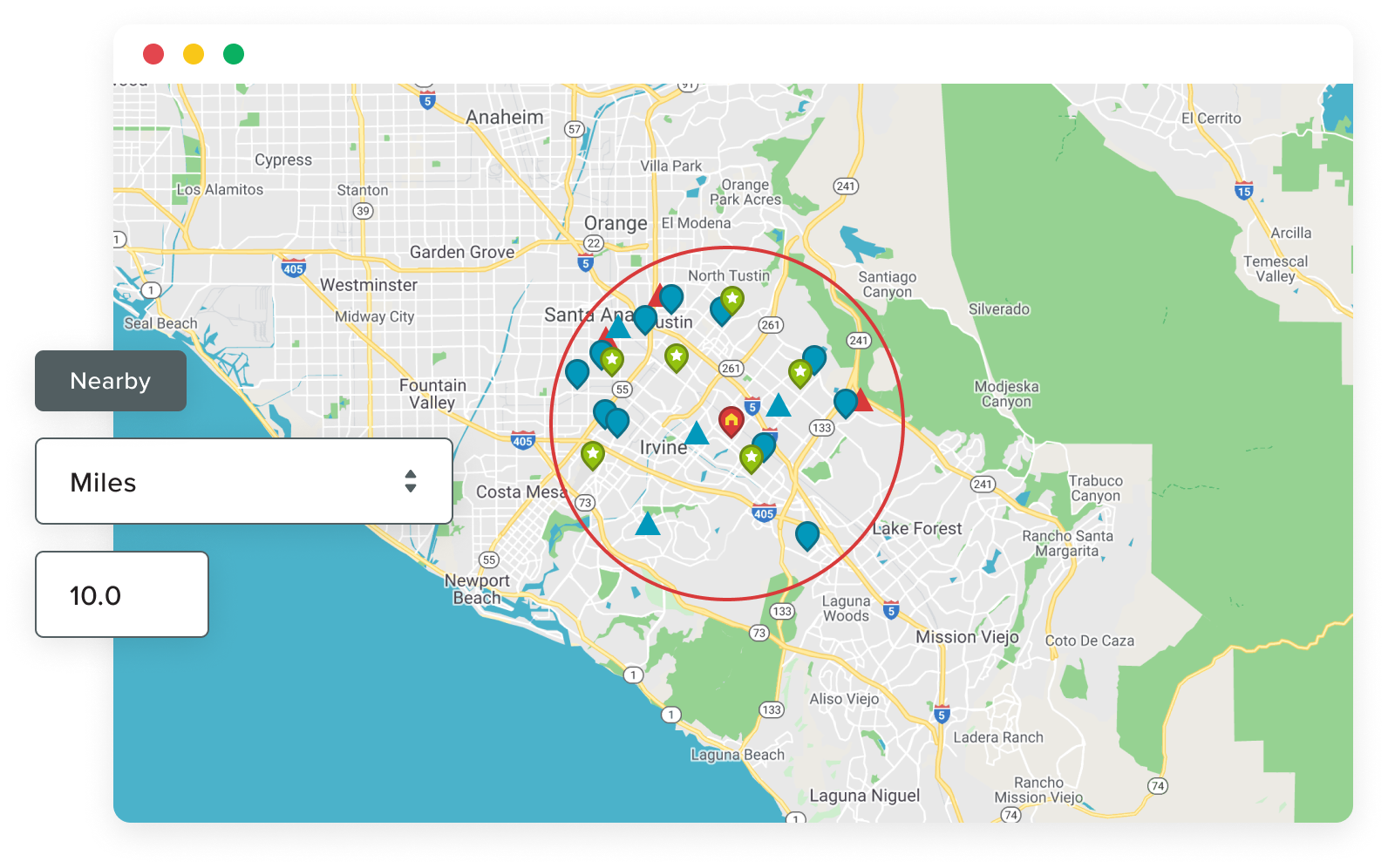
- Released the Search Nearby feature to allow for proximity searching. Search near any Lead, Account, Contact, Opportunity or Case and look for other Leads/Accounts/Contacts in the area. Leads, Accounts, Contacts can all be included on the map at the same time. This feature added 6 new fields to each of Leads, Account and Contacts. It also added a custom button to each of Leads, Accounts, Contacts, Opportunities and Cases.
- Support for multi-select picklist fields on Map Pages
- Users can specify multiple filter criteria for a single field on a Map Page. This applies to any text, picklist or multi-picklist field. Values should be separated with a semi-colon.
- Added a Default Country value for every customer. This feature will allow every organization to specify a country for Arrowpointe Maps to assume their data is in unless it is specifically entered on the record. This can be edited on the Org Info page in the Admin area.
- Pass the ISO country value onto the route page from a search. This will eliminate errors where MapQuest does not recognize the countries specified in the customer’s data.
- Fixed a bug occurring in Internet Explorer 6 where the records selected to route were not being pre-populated on the routing page.
- Added a “Remove from Map” option inside the map marker bubbles.
- Added a confirmation before removing a record from the map.
- Added a “Add To Route” icon to the data table. This eliminates the need for users to open the map marker bubble for every record that needs adding to a route.
- Added support for a customer’s lat/lon fields to use a Numeric data type.
- Fixed the formatting of data returned from Number fields to ensure that it returns values with the same scale and precision as setup in the customer’s configuration.
- Move all help content to the Arrowpointe Knowledge Base.
- Updated the Arrowpointe Maps “Build Version” to follow the version on the AppExchange. For example, for this release both the AppExchange and Build versions are 1.2. The next Build versions will be 1.2.1, 1.2.2, 1.2.3 and so on until the AppExchange package changes; at which time, the build version will follow that version number (e.g. 1.3, 1.3.1, 1.3.2).
- Upgraded to version 2.5.2 of the Yahoo User Interface Library
Version 1.0.9 (10-Mar-2008)
- Added a new module to let users map the data from Salesforce Reports directly. This lets users map any object that has an address.
- Email Driving Directions to up to 10 people
- Upgraded the AppExchange package to use the 11.1 Salesforce API on all components and added 2 new tabs so that Routing and Map Reports functionality can be accessed directly. Get it from the AppExchange.
- Added a Created By filter option on Map Pages. It works just like the Owned By filter option has for several months now, but it bases the filter on the creator.
- Added a Query Size Limit at the Subscription level. It defaults to 2000. This means that Arrowpointe Maps will return up to 2000 records for every query. Users will be provided a message when this has occurred. An increase to the query limit can be requested by submitting a Case.
- Re-implemented the improved map marker images that were taken away due to an IE6 issue. This issue has been resolved.
- Upgraded to the latest version of the Salesforce PHP toolkit, Yahoo User Interface Library and Salesforce CSS files.
Version 1.0.8.3 (29-Jan-2008)
With the 1.0.8 release, an issue with Internet Explorer 6 surfaced that caused the browser to hang on occasion when maps were run. The 1.0.8.3 release has fixed this issue. To do so, we had to resort the map images back to the original Stars and Dots rather than the images updated in the 1.0.8 release. We will be working on another update to allow the new images to be used for all browsers except IE6.
Privacy Policy Update (21-Jan-2008)
The following changes were made to our privacy policy.
In the Information We Collect and How We Use It section, the following was added:
User Information: When an Arrowpointe Maps user is setup, we capture information from their Salesforce User record and store it in our database. This is used to identify them for access to the application and to contact them if necessary. Typically, we only contact the Admins of Arrowpointe Maps accounts. However, we want to have this contact information available in the event we need to contact an end-user. The following information is captured from the user record in Salesforce and stored in our database:
- User ID: This is the 15 character unique identifier of the user’s record in Salesforce.
- Username: The username used to login to Salesforce.
- Email: The email address from the user record in Salesforce.
- Phone: The Phone field from the user record in Salesforce.
- Mobile: The Mobile field from the user record in Salesforce.
Mapped Data: Beginning with version 1.0.7, we re-architected the way maps were run. The new design has the mapped data temporarily stored in an XML file and then parsed by the end-user’s browser. This requires storing an XML file on our web servers that contains the data you see in the map. This change was made to improve map performance, adhere to MapQuest development best practices and to allow future functionality whereby users will be able to save a map “snapshot” in their account.
Any XML files not saved to a user’s account are cleared from our web server on a regular basis. XML files saved to a user’s account are kept on the web server in a directory that is not indexed by search engines (in fact, nothing in our application is indexable by search engines) and the application is designed to only allow access to the specific end-user who owns the snapshot.
In the How We May Contact You section, the following was added:
On occasion, we send news updates via email. For these communications, we respect the “News & Features Emails�? preference on the Organization record in Arrowpointe Maps, which is editable by the Arrowpointe Maps administrator. Typically, these emails only go to Arrowpointe Maps administrators and we ask those Admins to disseminate the information to their organization.
Version 1.0.8 (10-Jan-2008)
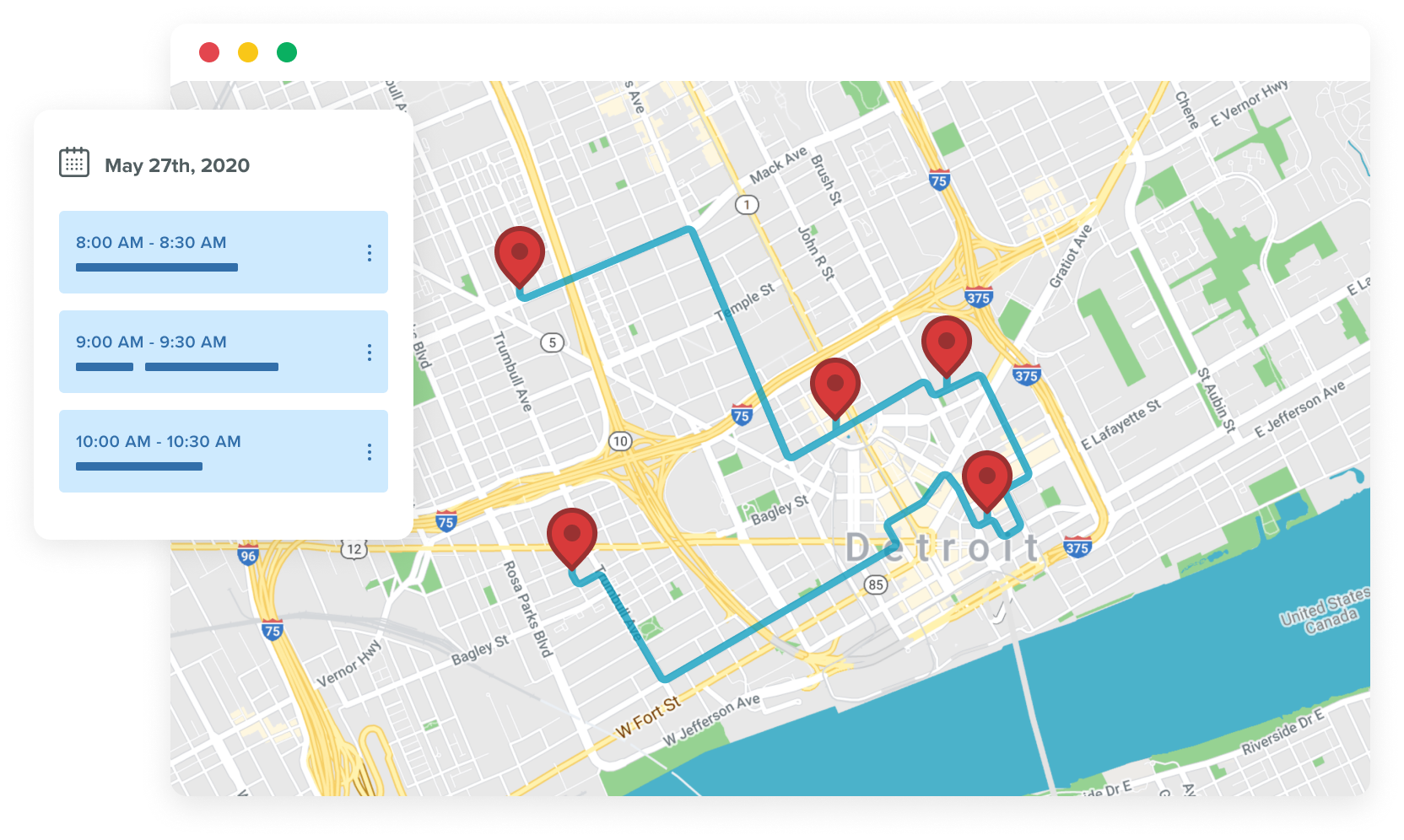
- Added a new Routing module. This module supports multi-point driving directions. You can add items to route from your Map Pages and View Generated Maps or you can search for Leads, Accounts, Contacts or Users directly from the Routing page.
- Routing is available internationally. MapQuest supports many countries, but results will vary country by country.
- The Star and Dot images were redone to be cleaner and more professional
- Added a form on the homepage allowing users to subscribe to Arrowpointe Maps related blog posts by email
- Fixed a bug where some trials were getting an error upon creation. This was occurring for Professional Edition orgs that did not have Campaign access. Those trials were not affected in functionality. They only received an error message upon starting a trial (bad first impression).
Version 1.0.7 (27-Nov-2007)
- Support for relating custom objects to Accounts and/or Contacts. This will allow you to pull fields from those objects including using the addresses there.
- Printing buttons were added to Map Pages and View Generated Maps.
- Upgraded to the latest version of MapQuest’s API.
- Added a Declutter button to the maps. When pressed, any map points that overlap each other will be separated and a line will be drawn from their original point to their new location. In declutter mode, all map points will be easily clickable.
- Each time a map is run, it will display in the width and height used by that user the last time a map was run.
- Support for multi-select fields to used to color map markers.
- Added links on the front page to let users open Map Pages in a new window. Sometimes this can result in better usability and printing since the application is not embedded in an IFRAME in Salesforce.
- Fixed some usability issues in the Admin area where some sections should shift around the screen if the user’s screen was too narrow or in too low of a resolution.
- Re-architected the way maps are generated. This new setup will allow us to allow users to save their maps in an upcoming release.
- Fixed an issue on Campaign Member maps if there are no Campaigns in the system.
Version 1.0.6 (16-Oct-2007)
- Support for mapping Campaign Members.
- Allow customers to use their own latitude and longitude values rather than having MapQuest determine the coordinates. The fields containing these values are specified on the Map Object. For each record returned in a query, it will look to see if the Latitude and Longitude are present. If so, those values will be used to plot the record on the map. If not, the address will be geocoded by MapQuest.
- Added This/Last/Next Fiscal Quarter, This/Last/Next Fiscal Year and In The Past as options for Date and Date-Time field filters.
- Added the ability for users to show/hide the map page query form in order to gain more real estate on the page and use a larger map.
- Added more links in the drop-down menu on Map Pages to allow Administrators to link directly to each Admin page.
- Fixed an issue in IE where the Map Options drop-down fields were very narrow and unusable.
- Fixed an issue where the Map Bubble goes transparent in certain circumstances.
- Performed security fixes based upon the Salesforce.com Certification Review.
- Improved Geocoding for the UK (implemented as a hot fix on 24-Oct-2007).
Version 1.0.5 (11-Sep-2007)
- Added links to all map marker Info Windows to allow the address to be mapped or used in driving directions on mapquest.com.
- Added “does not contain” as a comparison operator to be used on String map filter fields.
- Added a “Last 7 Days” and Next 7 Days” option to be used on Date map filter fields.
- Added a mouseover reaction on the map to show the Info Window title when a marker is moused over. This allows a user to see which record is which without opening up each marker.
- Added support for Dots as a map image. Allows the user to choose between Dots or Stars and it remembers the last selected value for the next map run.
- Fixed an issue that resulted in SOQL errors when special characters were used in a String field query on a map page.
- Reviewed all error messages and ensured there is a way to contact Arrowpointe Support from every message.
Version 1.0.4.2 (31-Aug-2007)
- We fixed an error that was occurring when viewing a Map Page in Internet Explorer 7. Users were receiving a message that “Internet Explorer cannot open the Internet site…” and the page stopped loading. We figured out the cause of the error and updated the application with the fix.
Version 1.0.4.1 (24-Aug-2007)
- Arrowpointe Maps is certified and the application was updated to support Salesforce customers using Professional Edition.
Version 1.0.4 (16-Aug-2007)
- Map Pages now load the map via AJAX rather than using frames. This results in improved performance as all supporting files are downloaded upon arriving at the Map Page.
- Added a “Force to My Query” field on Map Pages, which will automatically add a filter to the Map Page so that the data returned is owned by the user running the query (e.g. My Accounts). This will help companies that want to ensure their users can’t perform analysis on other’s data.
- The “Color Map Markers By” field on Map Pages now include number, currency, percent and text fields. Picklists and Boolean fields were already supported in v1.0.
- Fixed some issues in how numbers were formatted on the Map Page results
- Added an alert to the front page (for Admins only) that tells you if your account is going to expire in the next 7 days
- Added “Subscription” as a valid reason when submitting a Case to Arrowpointe
- Various performance improvements
Version 1.0.3 (31-Jul-2007)
- Map Pages now support Number, Percent & Currency fields. These fields are rendered with a drop-down to select a comparison operator (=, >, <, etc.) and then a text box to input a value.
- Map Pages now support Text, Email & URL fields. These fields are rendered with a drop-down to select a comparison operator (equals, contains, starts with, etc.) and then a text box to input a value.
- Increased the number of map form filter fields from 7 to 12.
- Removed the special map form fields for City, State, Postal Code and Country since the new Text field supports the same requirements and a lot more.
- Performed data updates on user’s Map Pages if they were using one of the deprecated Map Form special fields. If they were, the equivalent Map Form Filter Field was setup.
Version 1.0.2 (26-Jul-2007)
- Added support for a Record Type filter field on Map Pages.
- Removed the Map Marker field selection from the Map Objects page if editing a Custom Object. Custom Objects do not support mapping from a View yet.
- Various performance improvements
- Fixed a bug that resulted in bad SOQL if a joined field was added and used on a Map Page as a filter field (e.g. filtering by Account Type on a Contact Map Page).
Version 1.0.1 (11-Jul-2007)
- Added support for mapping stand-alone custom objects
- Display recent Arrowpointe Maps related blog posts on homepage
- A number of performance enhancements
Version 1.0 (29-Jun-2007)
Version 1.0 is the initial Arrowpointe Maps release. A summary of the functionality is below:
- Facilitates a conversation between Salesforce.com & MapQuest.
- Supports mapping Leads, Accounts, Contacts, Opportunities and Cases.
- Ability to specify where your address data is stored for each object.
- Create Map Pages. Map Pages produce simple query forms that allow your users to easily map their information. You can create as many map pages as you want to.
- Ability to make Map Pages be in Active, Inactive or in Admin Only status.
- Generate maps from Salesforce.com Views.
- Define which fields (including custom ones) to include in the Data Table and Map Info Windows when the maps are generated; either by Map Pages or View-Generated Maps.
- Ability to manage your users. You do not need to license all of your Salesforce users to Arrowpointe Maps. Rather, you can pick and choose who should have access.
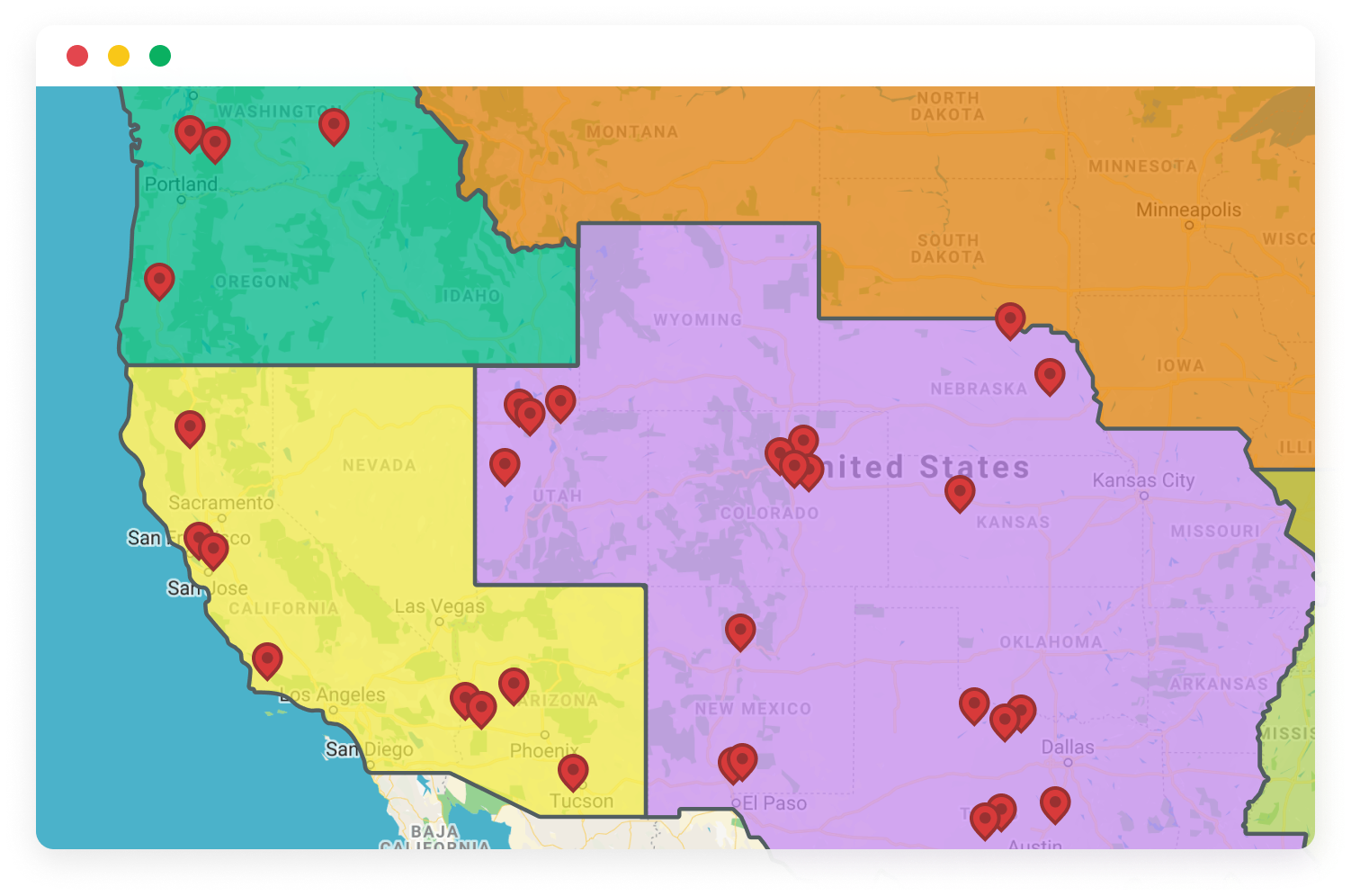
- User can select a field by which to color the map markers (e.g. have a different color for each Account Type value).
- Ability to exclude records with no address information from being queried.
- On generated maps, a user can remove the map markers to tweak their resultset.
- On generated maps, a user can zoom in/out, pan, open/close map markers, switch the maps from Street Map/Arial Image/Hybrid Map, reset the map to the original height/width/zoom-level
- Admin users can view the SOQL statement generated to query the data
- Change the width and height of the map on the fly.