Arrowpointe Maps

Get Arrowpointe Maps from the AppExchange
Arrowpointe Maps Screenshot
To subscribe to Arrowpointe Maps blog posts, enter your email:

Visualize your Salesforce.com data on MapQuest maps

Arrowpointe Maps is an on-demand application that facilitates the conversation between Salesforce.com & MapQuest allowing for easy deployment of mapping capabilities in your organization and providing end-users a simple means for mapping their data. Arrowpointe Maps is configurable and can be tailored to your organization, so that your users can work with their information in a meaningful way.

This solution is recommended for Salesforce users to map data from within the Salesforce.com application.

To get it setup, you simply install it from the AppExchange and off you go.

Frequently Asked Questions

What data can be mapped?
Using all the available mapping approaches, you can map anything with an address.

How does it work?
There are several approaches to plotting your data on a map:

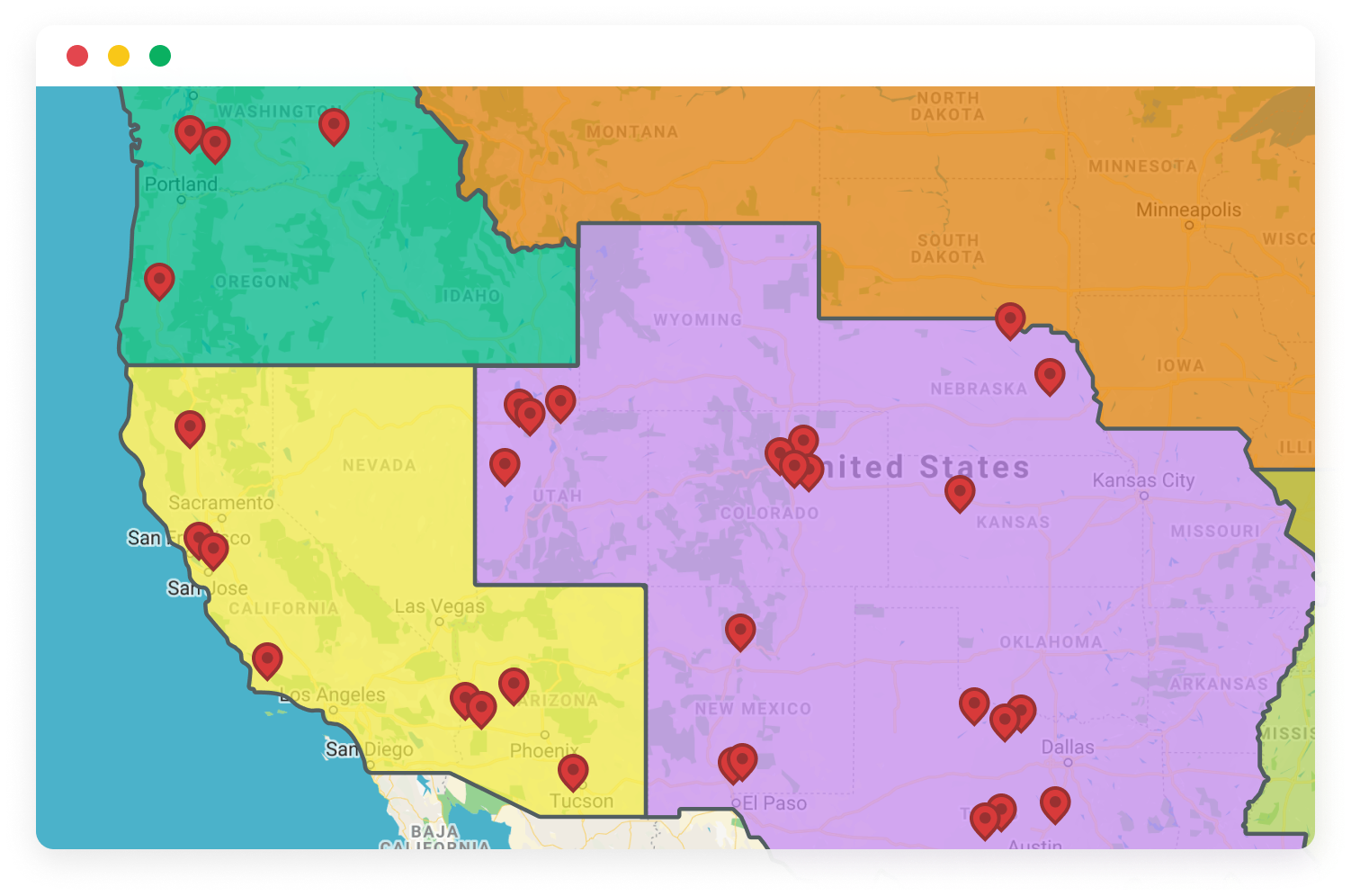
  1. Map Pages: These are configurable query pages that your administrator configures for your users. It provides end-users a simple user interface for using just the fields they care about to see their data on maps. Map Pages support mapping your Salesforce.com Leads, Accounts, Contacts, Opportunities, Cases, Campaign Members and custom objects.
  2. Map from Views: Custom buttons are downloaded in the AppExchange application that you can place on your Salesforce Views. This lets you check a box next to the records you wish to map in a view and map those records. These buttons are provided for Leads, Accounts, Contacts, Opportunities and Cases.
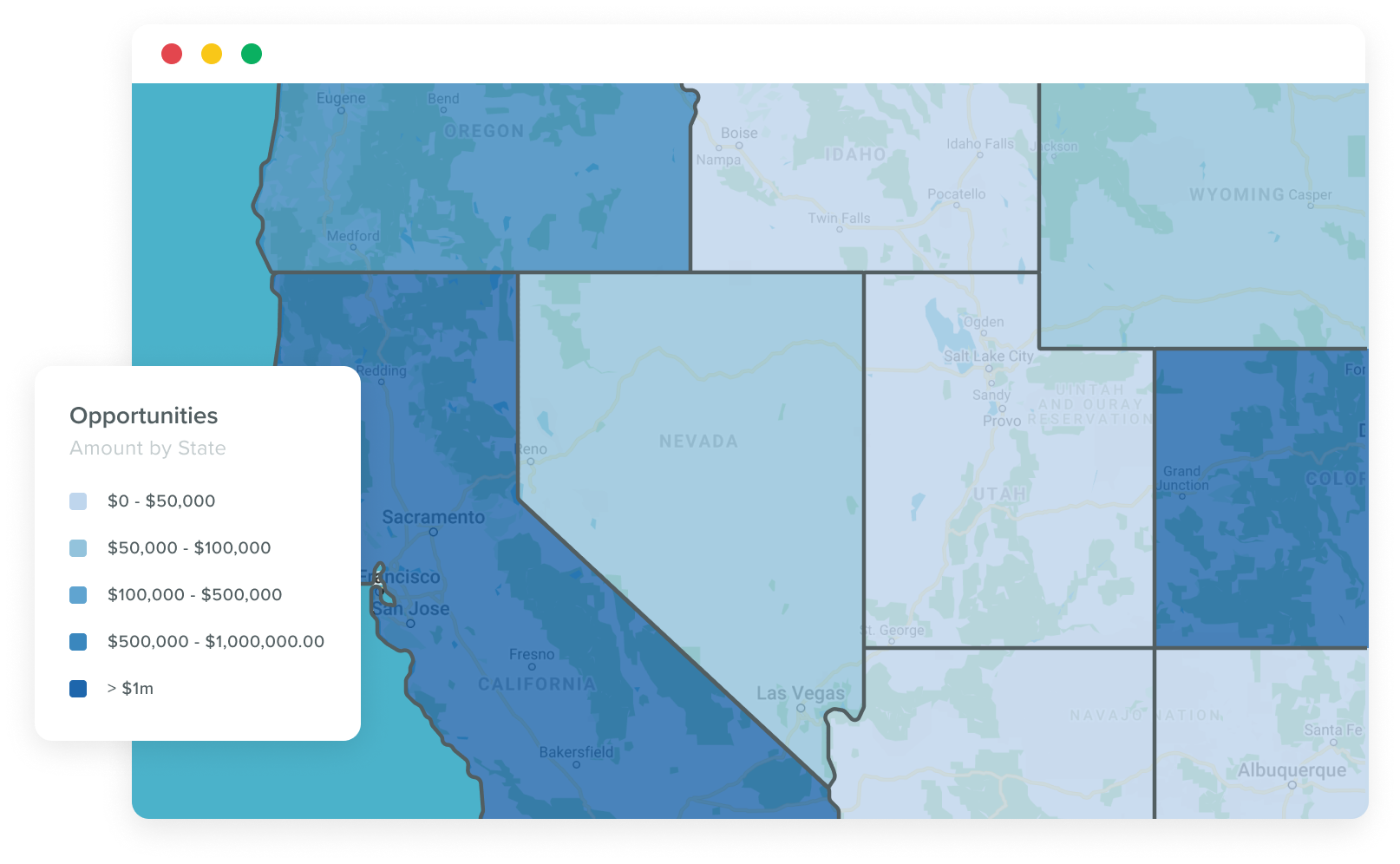
  3. Map from Reports: You can pull in a Salesforce Report to be your source data for a map. This is what essentially lets you map any data in Salesforce.com, so long as it has (a portion of) an address.
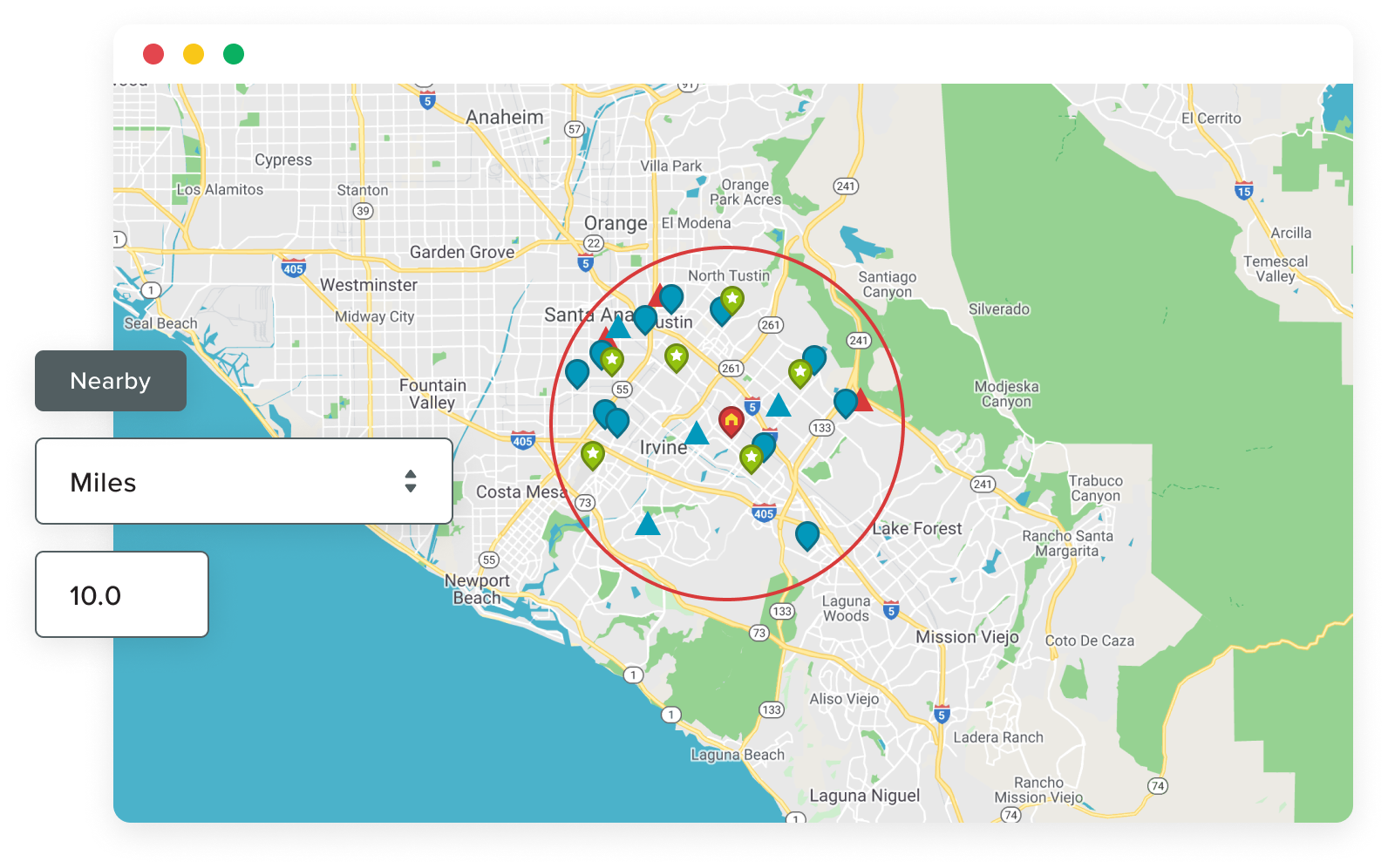
  4. Search Nearby (proximity searching): From any Lead, Account, Contact, Opportunity or Case, you can click a “Search Nearby” button to view a map of that record along with the ability to look for other Leads/Accounts/Contacts within a user-defined proximity.

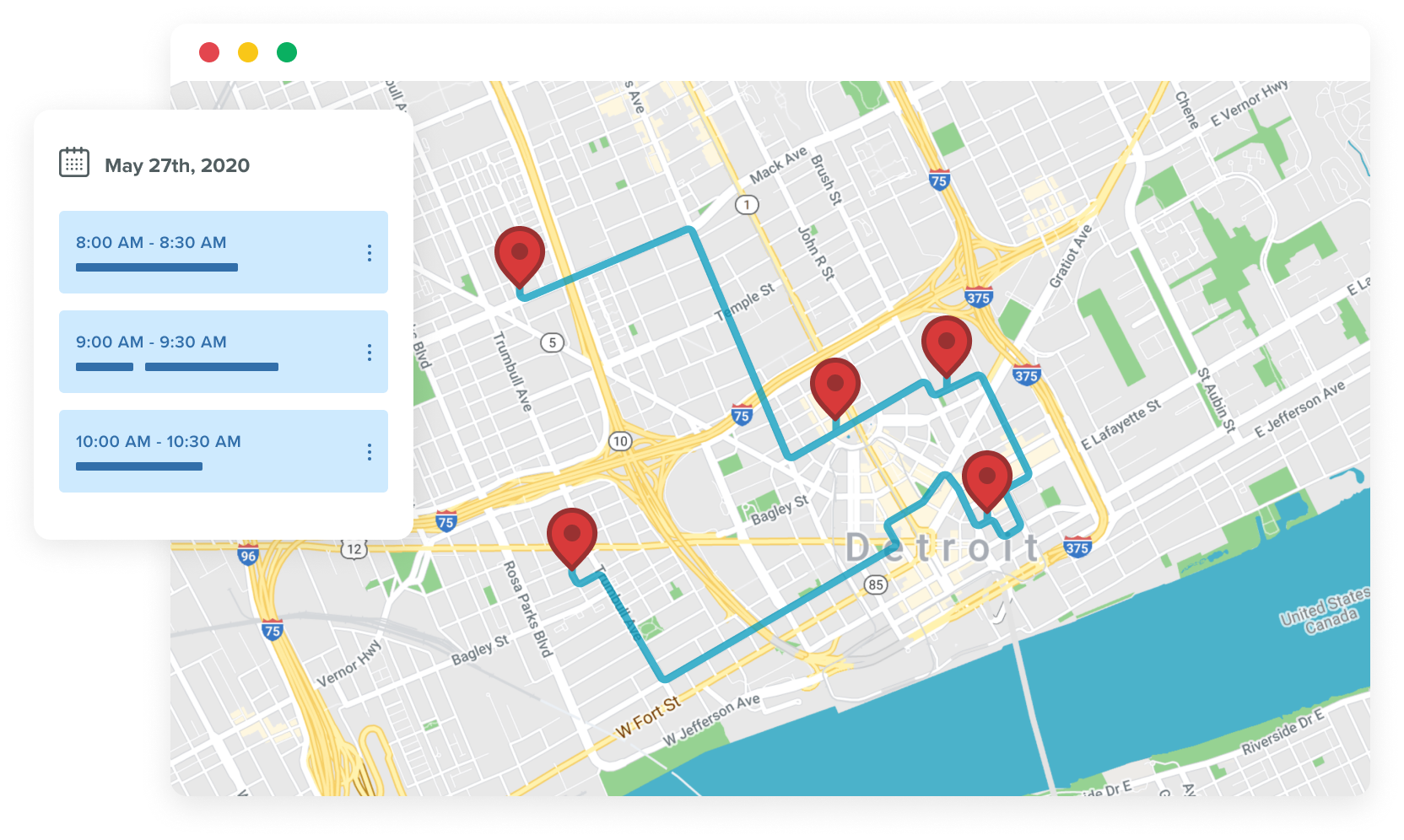
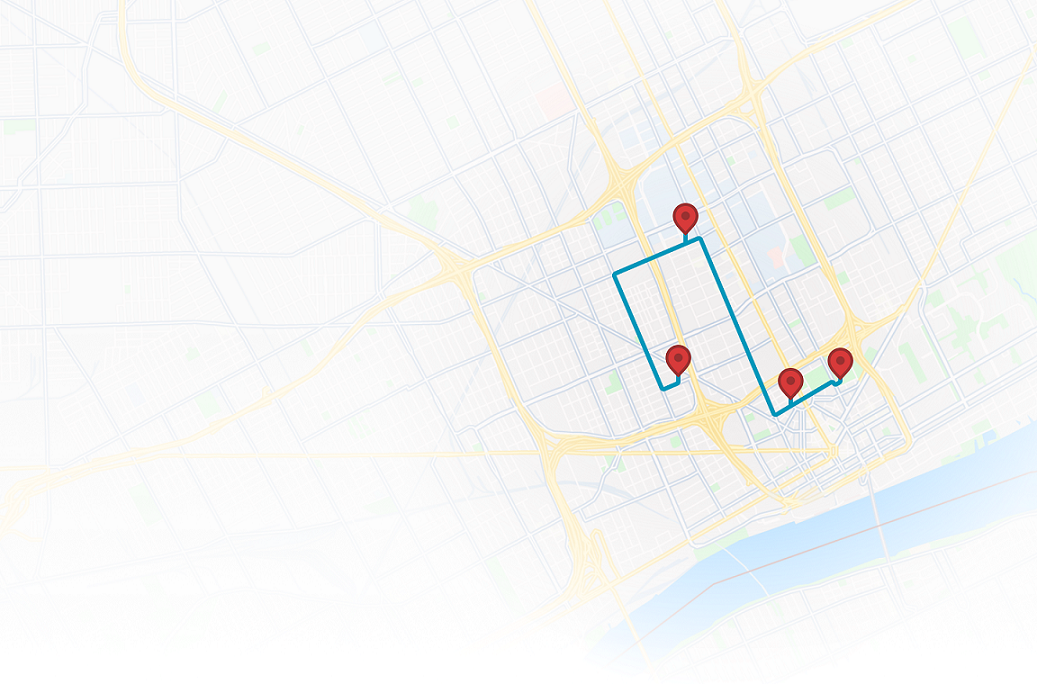
There is also a Routing feature that lets you get multi-point driving directions using your Salesforce.com database as the source of available addresses.

What countries does it support?
The countries that Arrowpointe Maps supports can be found here.

Can I see a demo?
Yes, visit the AppExchange listing to see the Test Drive. You can also click the images below to watch a screencasts of it works.

How Map Pages Work:

Watch a screencast of the Map Pages functionality

How Routing Works:

Watch a screencast of the Routing functionality

How Mapping Reports Works:

Watch a screencast of the Map Reports functionality

How Search Nearby Works:

Watch a screencast of the Search Nearby functionality

Is it on-demand?
Yes. We host the infrastructure. Like Salesforce.com, Arrowpointe Maps is an on-demand solution and is purchased via subscription.

What if addresses are stored in custom fields?
No problem. Part of the configuration process is to tell Arrowpointe Maps where your address data resides.

Can the maps be configured?
Yes. There are several ways to configure your maps, including:

How much does it cost?

Is a trial subscription available?
Yes. You can run a free, no obligation 15-day trial before making any purchasing decisions.

Is it certified?
Yes, Arrowpointe Maps is certified by Salesforce.com.

Arrowpointe Maps is certified

Do you store our Salesforce.com passwords?
No. You can only access Arrowpointe Maps once you have already authenticated with Salesforce.com. Arrowpointe Maps will leverage your Salesforce.com session.

Do you store any of our data?
No, with a few exceptions. The exceptions are all related to performance improvements or keeping company/user information for authentication and support purposes. Please read the Arrowpointe Maps privacy policy for all the details. Everything is disclosed there and should answer any questions you might have.

What are the Terms of Service?
The Terms of Agreement are located on our website. These terms reference our privacy policy.

How has the product improved over time?
We continuously improve Arrowpointe Maps. Typically, an update is made every 1 to 2 months. The best way to know what’s been happening would be to follow our blog. The Subscribing to this Site page gives you information on subscribing to the content of the entire blog or just to Arrowpointe Maps related posts. You can also view the Arrowpointe Maps change history page to see the functionality we’ve put out with each release (both large and small).

Interested?

Arrowpointe Maps is currently available on the AppExchange. If you have questions about it before you try it, feel free to contact us using the form below.

First Name:
Last Name:
Title:
Company:
Website:
Email:
Phone:
Mobile Phone:
Address:
City:
State:
Zip:
Country:
Note:

(provide insight
into your needs)